What Makes an English Learning App Actually Work? A Parent's Checklist for Grades 3–10
CW
Jeetesh Gulani
|March 3, 2026|6 min read
Finding the right English learning app for kids sounds easy — until you've downloaded four of them and your child is writing the same kinds of sentences six months later.
Most apps look impressive with bright colors, friendly characters, and glowing reviews. You download one, your child uses it for a few weeks, and then nothing changes. Their teacher still sends home the same feedback. Their essays still sound the same. They still freeze when asked to speak in front of the class.
This isn't your child's fault. And it's not yours either. The problem lies in the app.
Most English apps are built to keep kids using them, not to make kids better. There is a difference. This checklist will help you see it clearly.
By 3rd grade, most children have cracked the code of reading. They know how letters form sounds, how words form sentences. That milestone — called "decoding" — is what beginner apps are built to teach.
But grades 3 through 10 demand something very different. Teachers are not just checking whether your child can read. They are asking: Can they explain what they read? Can they argue a point in writing? Can they present an idea without stumbling? Can they listen carefully and respond with precision?
These are communication skills, and they require fundamentally different practice than the exercises most apps offer. Most apps have not caught up to this reality.
What Kids in Grades 3–10 Actually Need
Beginner language apps (like Khan Academy Kids, Duolingo ABC, Lingokids etc.) do an excellent job teaching foundational literacy — letters, phonics, early reading. If your child is in K–2, those tools are genuinely valuable.
But if your child is in 3rd grade or beyond, they've already cleared that bar. What they need now is a dedicated space to practice the skills that make a real difference in school and beyond.
The Five Skills That Compound
Think of English communication as five skills that grow together:
✍️
Writing Depth
Moving from "I like dogs because they are fun" to a structured argument with supporting evidence.
🗣️
Spoken Fluency
Speaking confidently in complete sentences, without trailing off or searching for words.
📖
Active Vocabulary
Knowing not just what a word means, but when and how to use it.
🔍
Reading Inference
Understanding what a text implies, not only what it says.
👂
Listening Comprehension
Following multi-step information and responding accurately.
The 7-Point Checklist: What a Good English App Must Do
Use this to evaluate any app you are considering. A strong app should answer yes to most of these.
1
Does it cover all five language skills, not just one?
Vocabulary alone is not English. Reading alone is not English. All five skills need to be in the mix.
2
Does it give feedback specific enough to act on?
Not stars. Not "great job." Actual notes — for example: this sentence is unclear because, or try a stronger verb here.
3
Is it built for grades 3–10, not beginners or adults?
The content, pacing, and complexity should match where your child actually is.
4
Does it build a daily habit without turning into a screen-time spiral?
Structured sessions with a clear end point beat open-ended apps with no stopping mechanism.
5
Can you, as the parent, actually see what is improving?
Weekly skill-by-skill progress reports — not just a "minutes used" counter.
6
Is it ad-free and COPPA-compliant?
No ads. No data selling. Nothing pulling your child somewhere else mid-session.
7
Does it adapt as your child improves?
An app that stays at the same difficulty level forever isn't teaching — it's babysitting.
How to Use This Checklist
1
Run any app you're considering against all seven criteria.
Check the app's website, read recent parent reviews, and spend 10 minutes using it yourself before handing it to your child. The App Store screenshots rarely show you what the feedback actually looks like.
2
Filter by your child's specific gap.
If speaking is the main struggle, weight criteria 1, 2, and 3 most heavily. If writing is the issue, criteria 1, 2, and 7 matter most. Be specific about what you're trying to fix. A well-rounded app is only worth paying for if your child actually needs all-round support.
3
Use the trial window intentionally.
Any app worth paying for offers a free trial. During those days, sit with your child once and watch them use it. Look at what the feedback actually says. Pull up the parent dashboard and ask yourself: does this tell me anything useful?
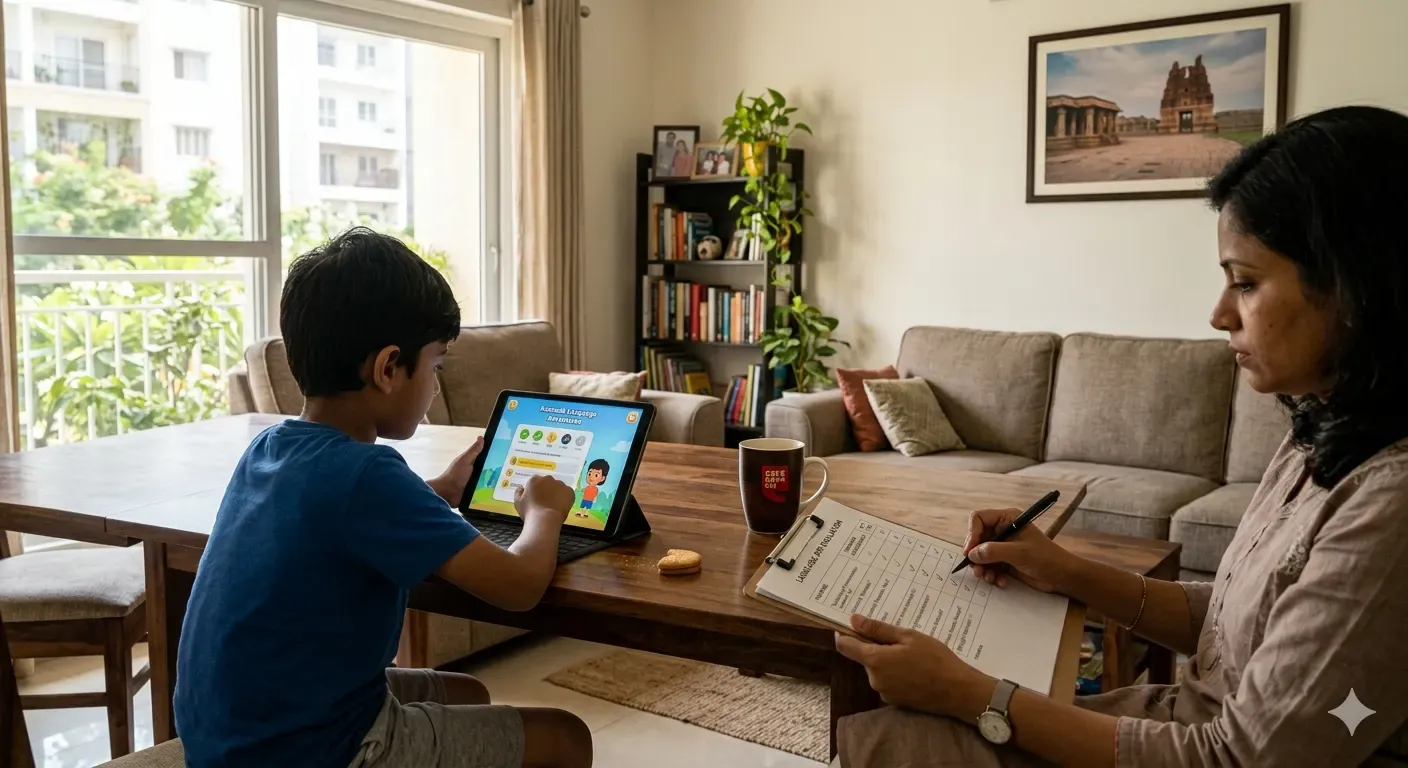
Using a free trial intentionally means sitting through one session with your child.
Cueword is an English language app for grades 3–10, built for all-round English skill development with real, specific feedback.
Not Ready to Download Anything Yet? Try These Two Things Tonight
If you want to understand your child's actual English gap before committing to any app, two quick exercises take less than 10 minutes each. What they reveal will make you a much sharper judge of what your child needs.
These quick exercises will give you a clear window into your child's strengths and gaps. It will give you the confidence to choose what really helps them grow.
Two exercises that reveal more than any app demo will.
The 3-Minute Retelling Test
Read a short paragraph aloud together from a book they already know. Then ask them to tell you, in their own words, what it meant. Don't prompt. Just listen. Are they summarizing facts or drawing inferences? Are they using vocabulary from the passage or defaulting to simpler words? Are they speaking in complete sentences or trailing off? The answers point directly to the skill gap.
The Opinion Writing Prompt
Give them one sentence to respond to: "What is one thing you would change about your school, and why?" Read what they write — not for grammar, but for whether they can support a point with a reason. This is the skill that separates 3rd grade writing from 5th grade writing, and it is the one thing most apps never actually address.
Frequently Asked Questions
What is the most important feature to look for in an English learning app for kids?▼
Specific, actionable feedback — not stars or badges. An app that tells your child why something is wrong and how to improve is doing the work of a tutor. An app that just marks answers right or wrong is doing the work of a worksheet. For grades 3–10, this difference is what determines whether your child actually improves over time or just clocks screen hours.
Is Duolingo good for kids learning English in grades 3–10?▼
It is a solid vocabulary and habit-building tool, but it was not designed to develop writing, speaking fluency, or reading inference for school-age kids. For grades 3–10 who need to grow their communication skills — and not just their word list — Duolingo works best as a supplement alongside a more complete practice tool, not as the primary one.
How much time should a child spend on an English app each day?▼
Consistency matters more than duration. Ten to fifteen focused minutes daily produces better results than an hour once a week — that holds true across most language learning research. Look for apps with a defined session length and a natural stopping point. Apps with no built-in limit tend to drift from practice into entertainment.
Are AI English apps safe for kids?▼
It depends on the specific app. Look for COPPA compliance, confirmation that the app doesn't sell or share user data, no in-app advertising, and a parent dashboard that keeps you informed. Before downloading any app for a child, check the privacy policy.
What grade level should an English learning app target?▼
Most popular English apps are designed for early learners — K through 2nd grade. If your child is in 3rd grade or above, look specifically for apps built for the 3–10 range, where the focus shifts from learning to read to using reading, writing, and speaking as tools for thinking. The content complexity, feedback depth, and skill scope should all reflect that shift.
Real progress needs a real coach
See where your child's English stands — book a free 50-minute 1:1 evaluation with a Cueword coach.